Prototype in development
The gods are dead. You are their last weapon.
Fight your way down into Hell. Build spells from runes, explore dungeons, and forge new equipment from your loot. Rare items hold the sealed powers of fallen gods.
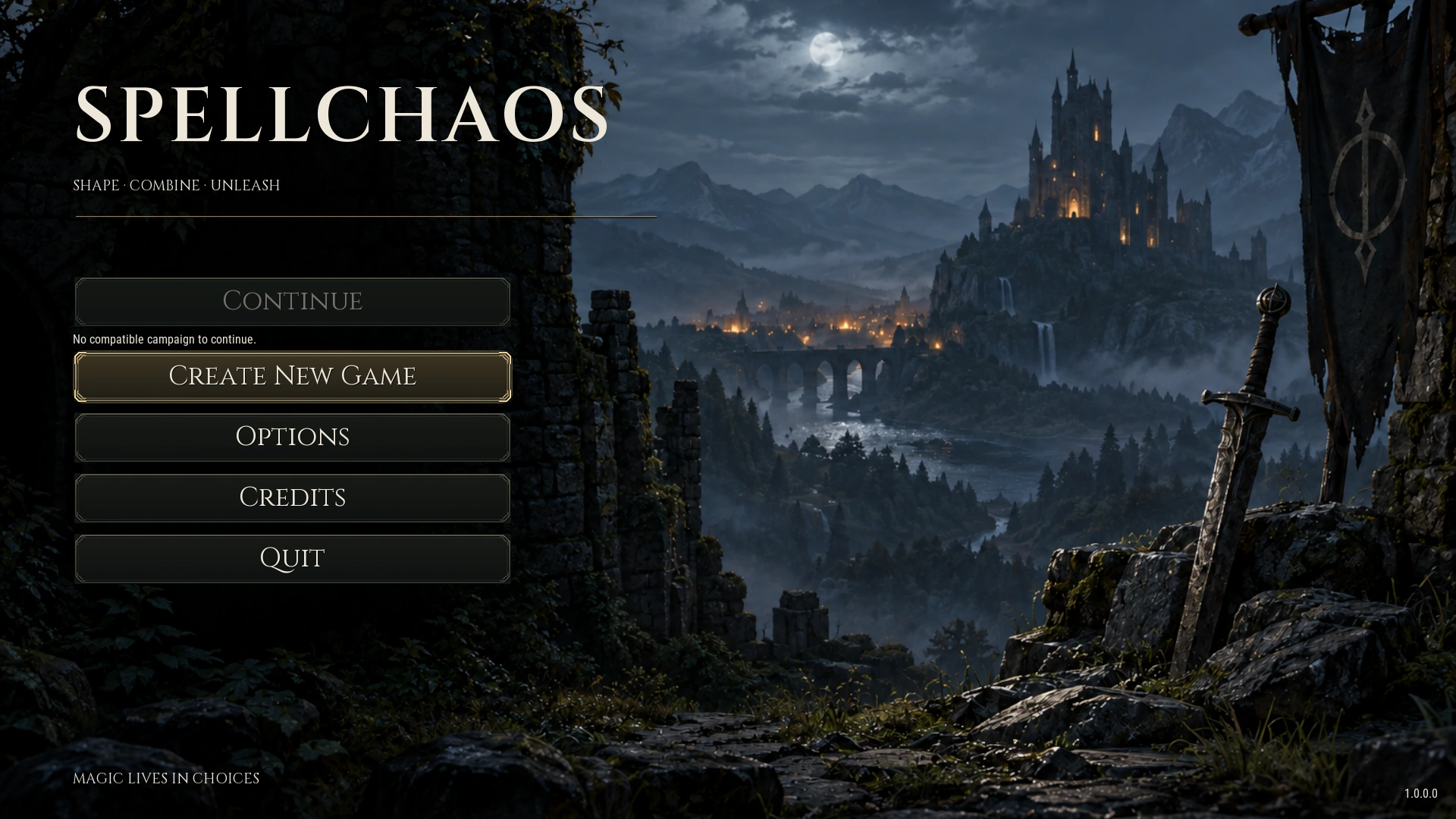
The SpellChaos main menu overlooking a moonlit castle.
How to build a spell
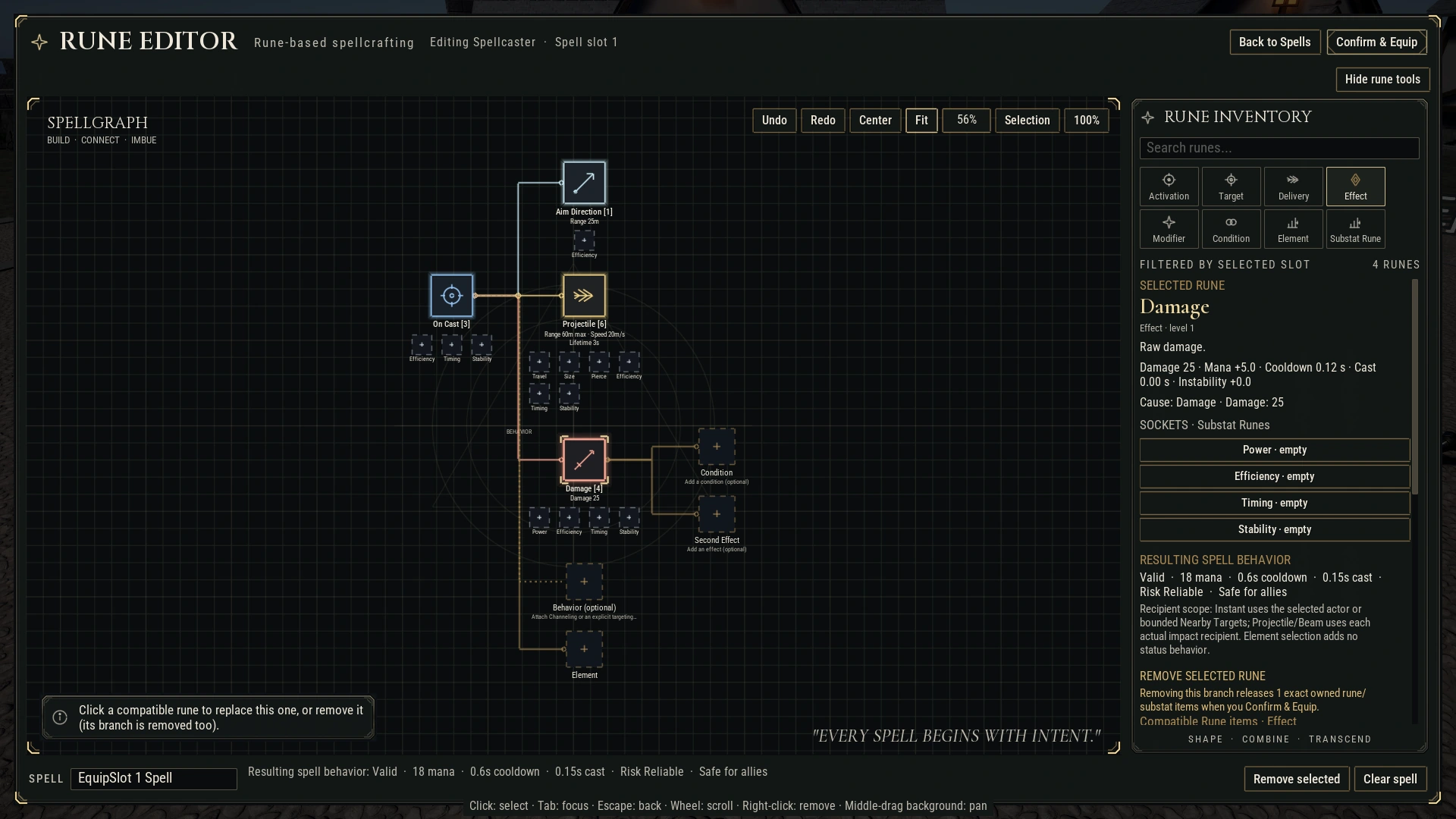
In the Rune Editor, place runes from your inventory into matching sockets. Four choices determine how a spell behaves in the game.
Trigger
When does the spell activate?
Target
Where do you aim it?
Spell form
How does it reach the target?
Effect
What happens on impact?
Example Firebolt
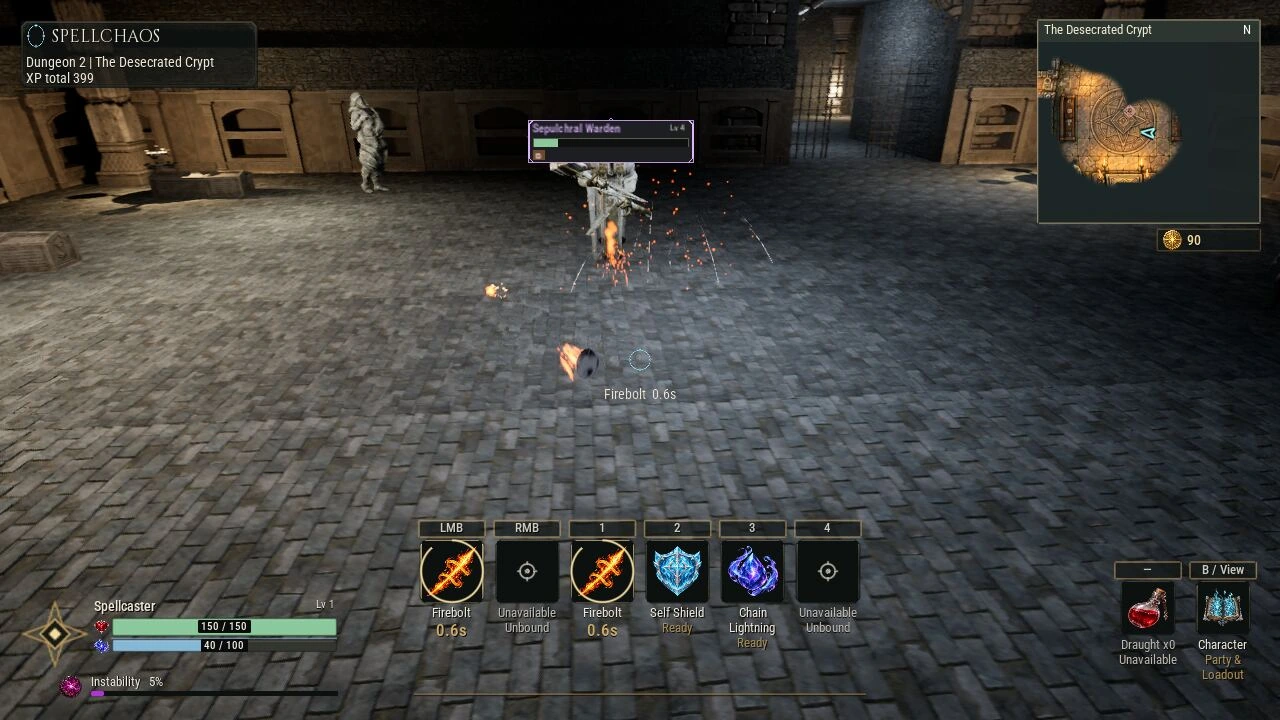
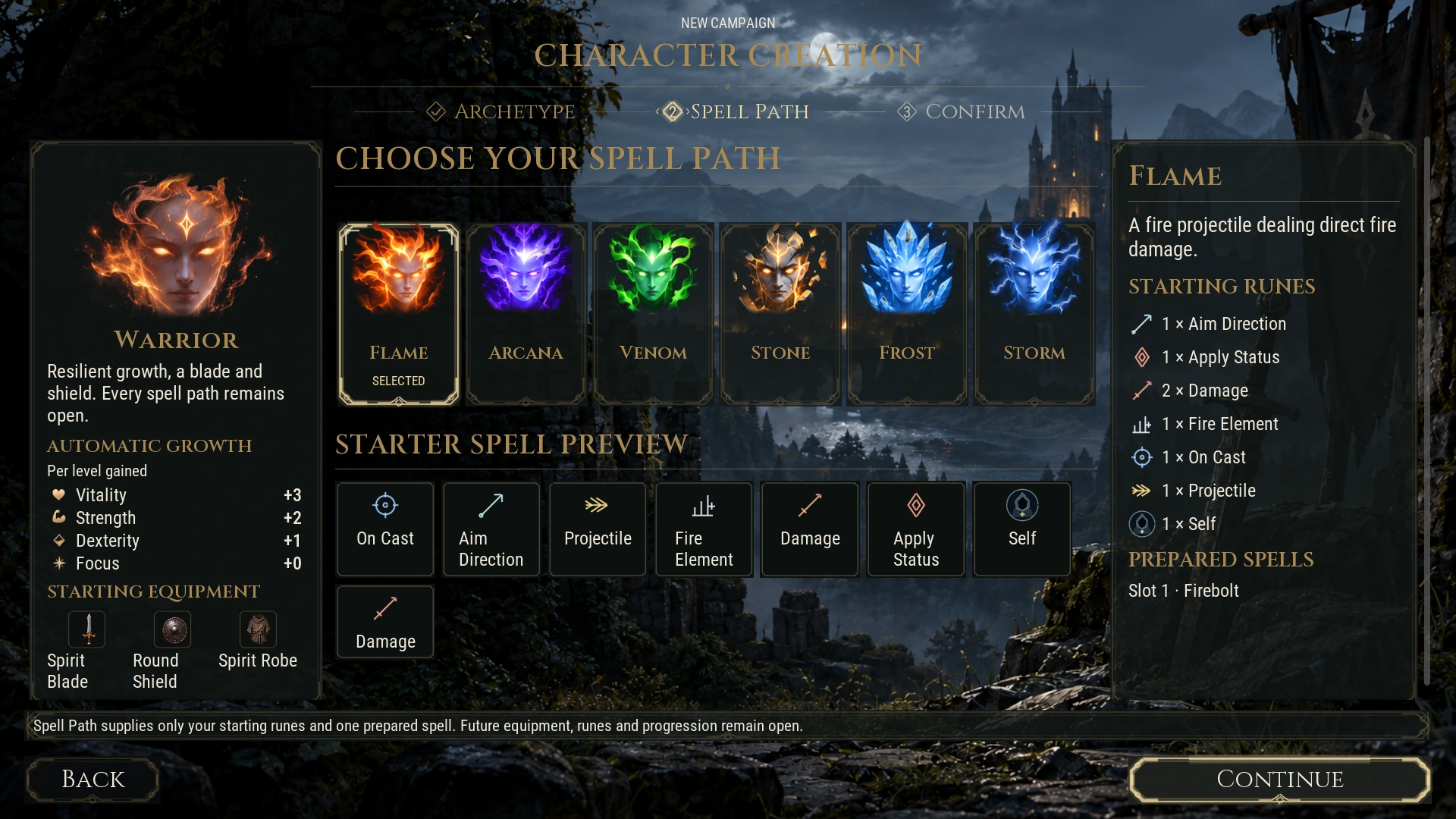
Casting Firebolt launches a projectile in the direction you aim. It deals fire damage on impact. The Flame starting path shows the runes and the finished spell.
See Firebolt in combatCrafting at the Arcane Forge
Choose a recipe and check the result and material cost before you forge. This recipe turns five Iron Shards into an Iron Circlet with one socket.
You can also use the forge to upgrade, modify, or salvage existing equipment.
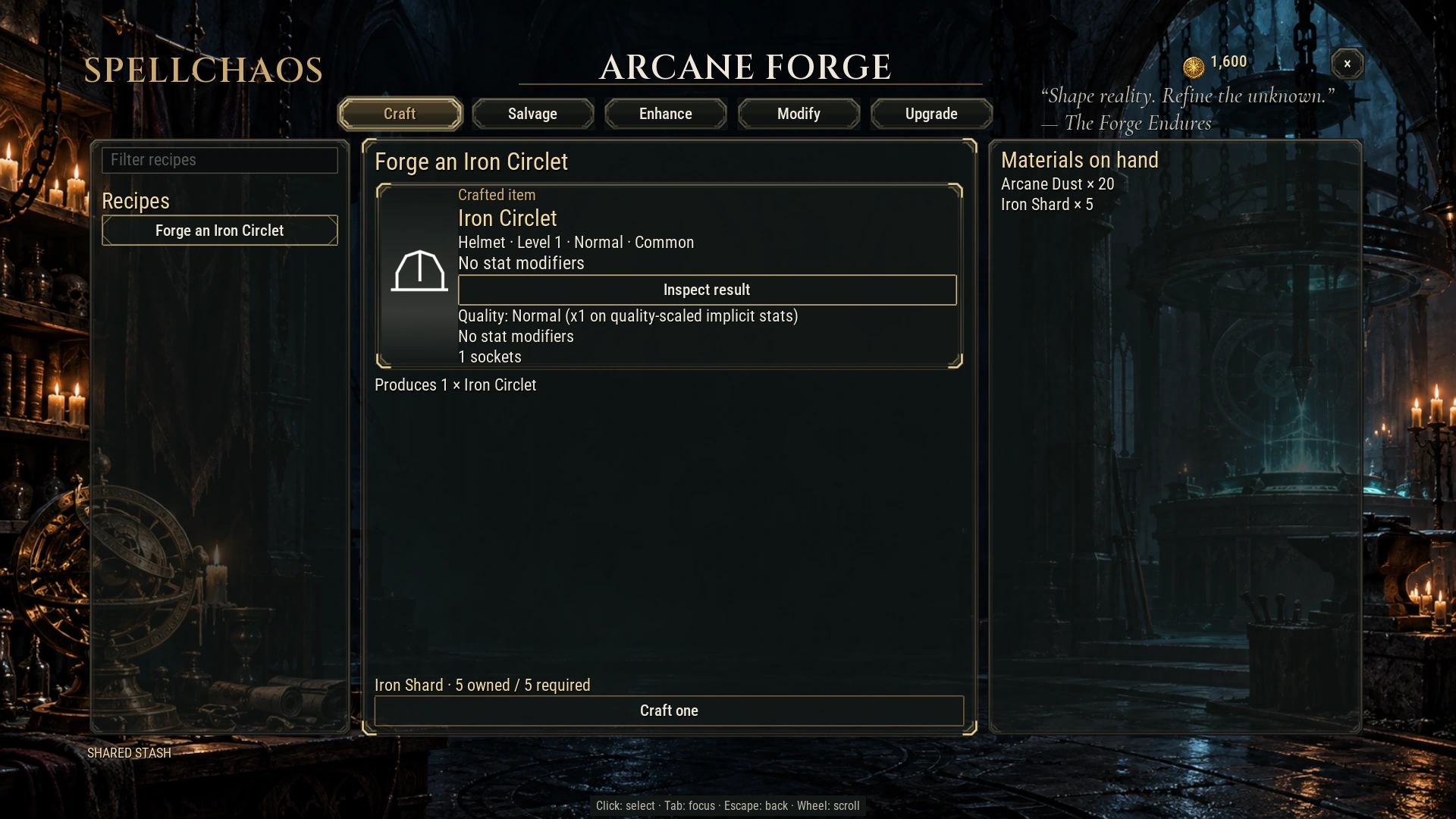
The Iron Circlet recipe shows the result, available materials, and the cost of five Iron Shards.
Explore and Automate
Explore a dungeon and uncover its map as you go. Place waypoints in areas you know, review the plan, and save your route.
Start the expedition and let your character follow the route. They can collect loot within reach along the way. Take control again whenever you need to.
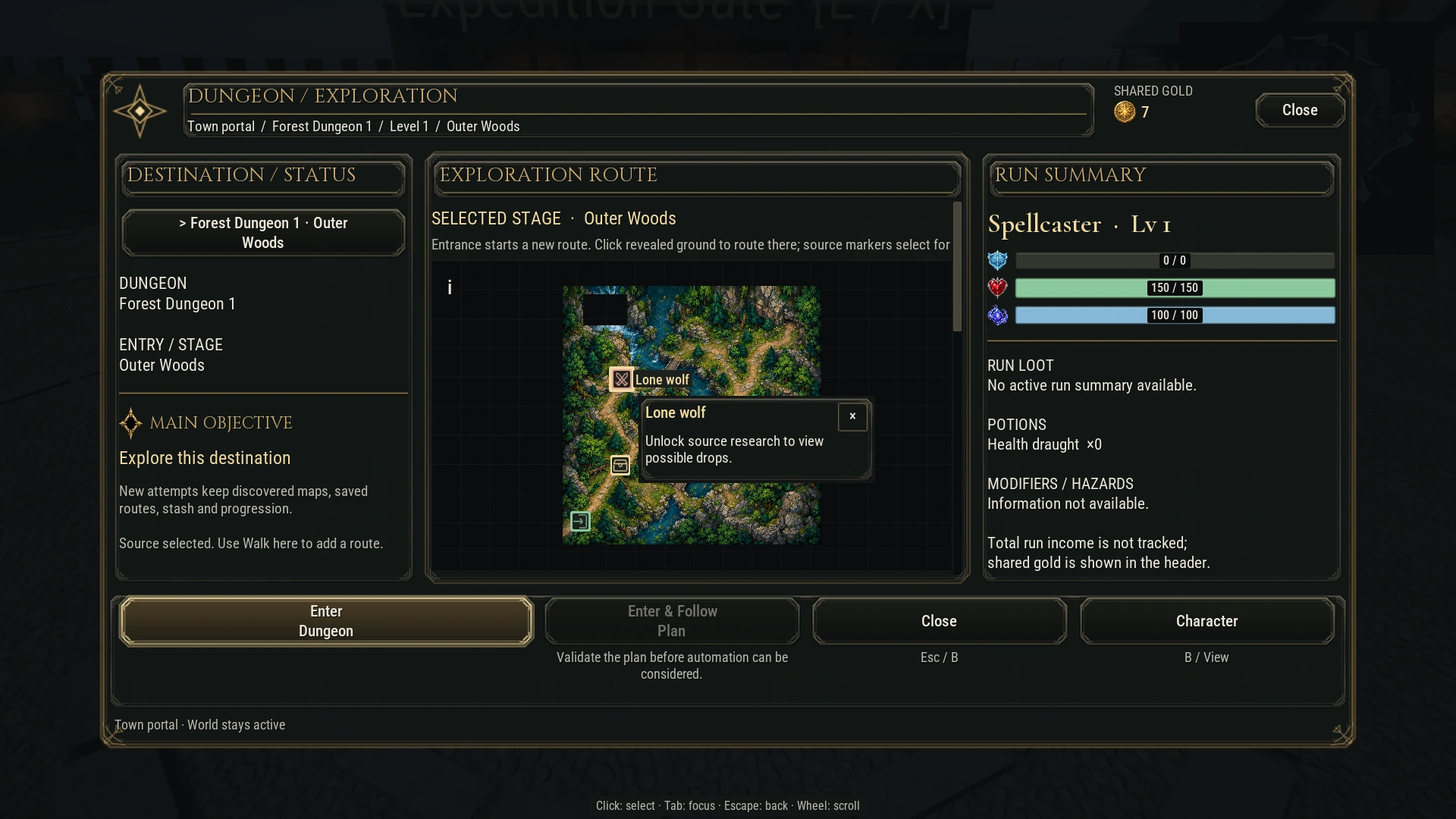
The expedition portal map shows explored terrain and known encounters.
Equipment and Item Icons
One example from each of the 15 icon library categories.
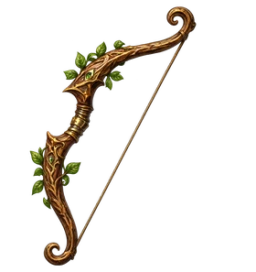
Weapons 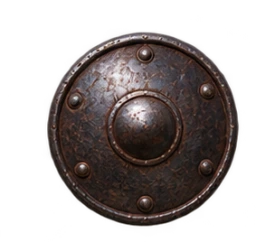
Shields 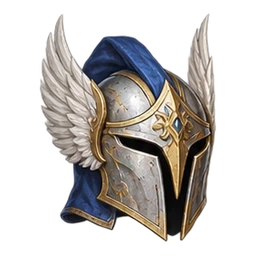
Helmets 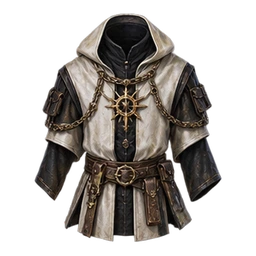
Chest Armor 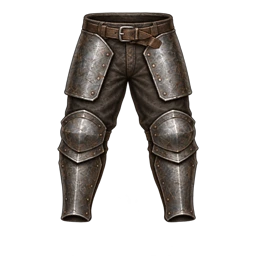
Leg Armor 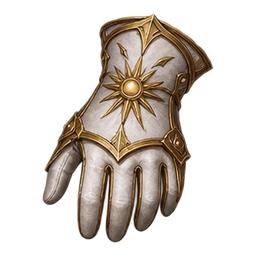
Gloves 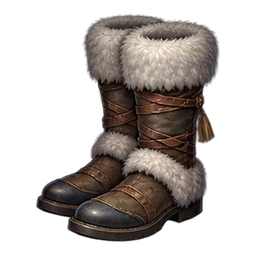
Boots 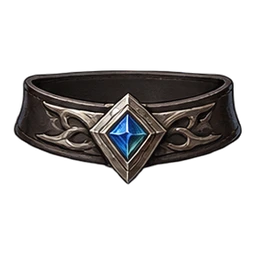
Belts 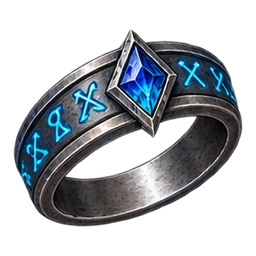
Rings 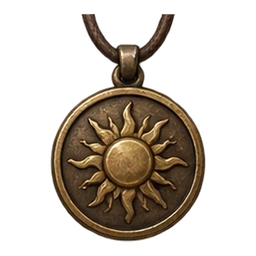
Amulets 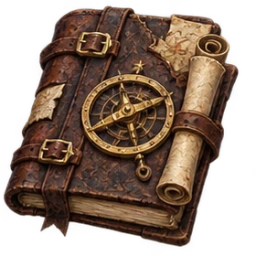
SpellbooksIcon library 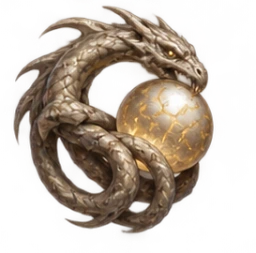
TalismansIcon library 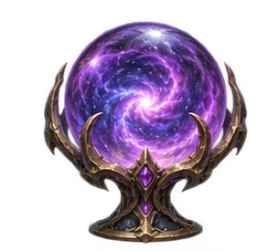
Focus ItemsIcon library 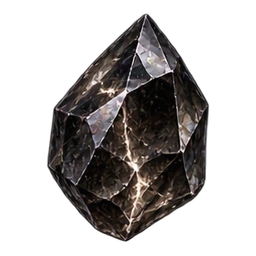
Materials 
Substat Runes
Inside the Prototype
Select an image to enlarge it.
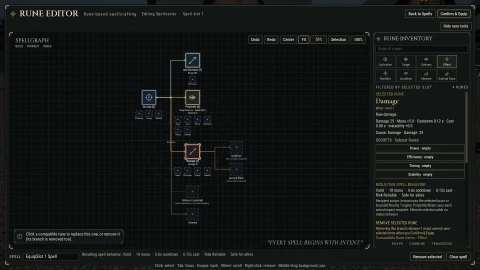 Rune EditorDevelopment prototype
Four runes connect the trigger, aiming direction, projectile, and damage.
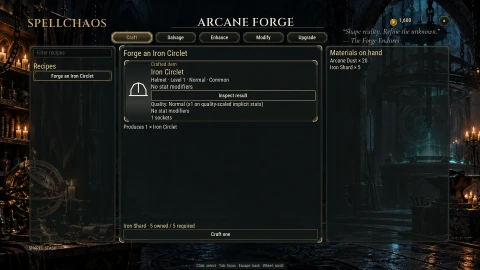 Crafting at the Arcane ForgeDevelopment prototype ·
The Iron Circlet recipe shows the result, available materials, and the cost of five Iron Shards.
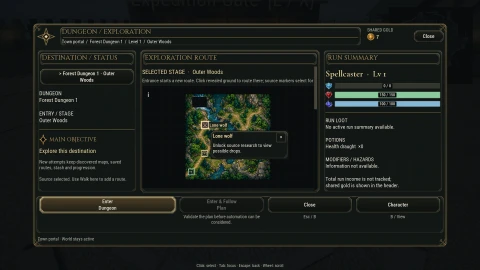 Expedition MapDevelopment prototype
The expedition portal map shows explored terrain and known encounters.
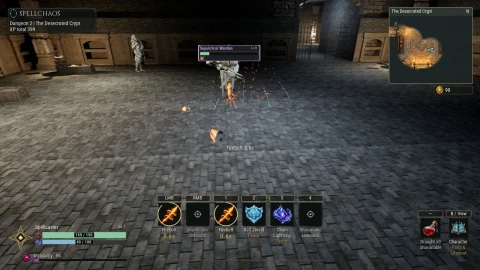 Firebolt in Dungeon 2Development prototype
A fire projectile and sparks near the Sepulchral Warden during a fight in the crypt.
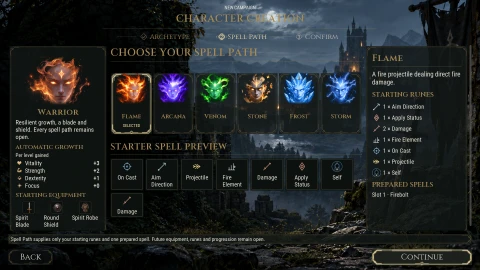 Flame Starting PathDevelopment prototype ·
Character creation shows Firebolt and its starting runes.
How We Make SpellChaos
SpellChaos Design Studio
In Design Studio, we define how an item behaves in the game. For an amulet, we pick the inventory icon and 3D model, set its stats, and decide where the character wears it.
We also build equipment sets and Arcane Forge recipes here. We test each draft in Unreal before bringing it into the game.
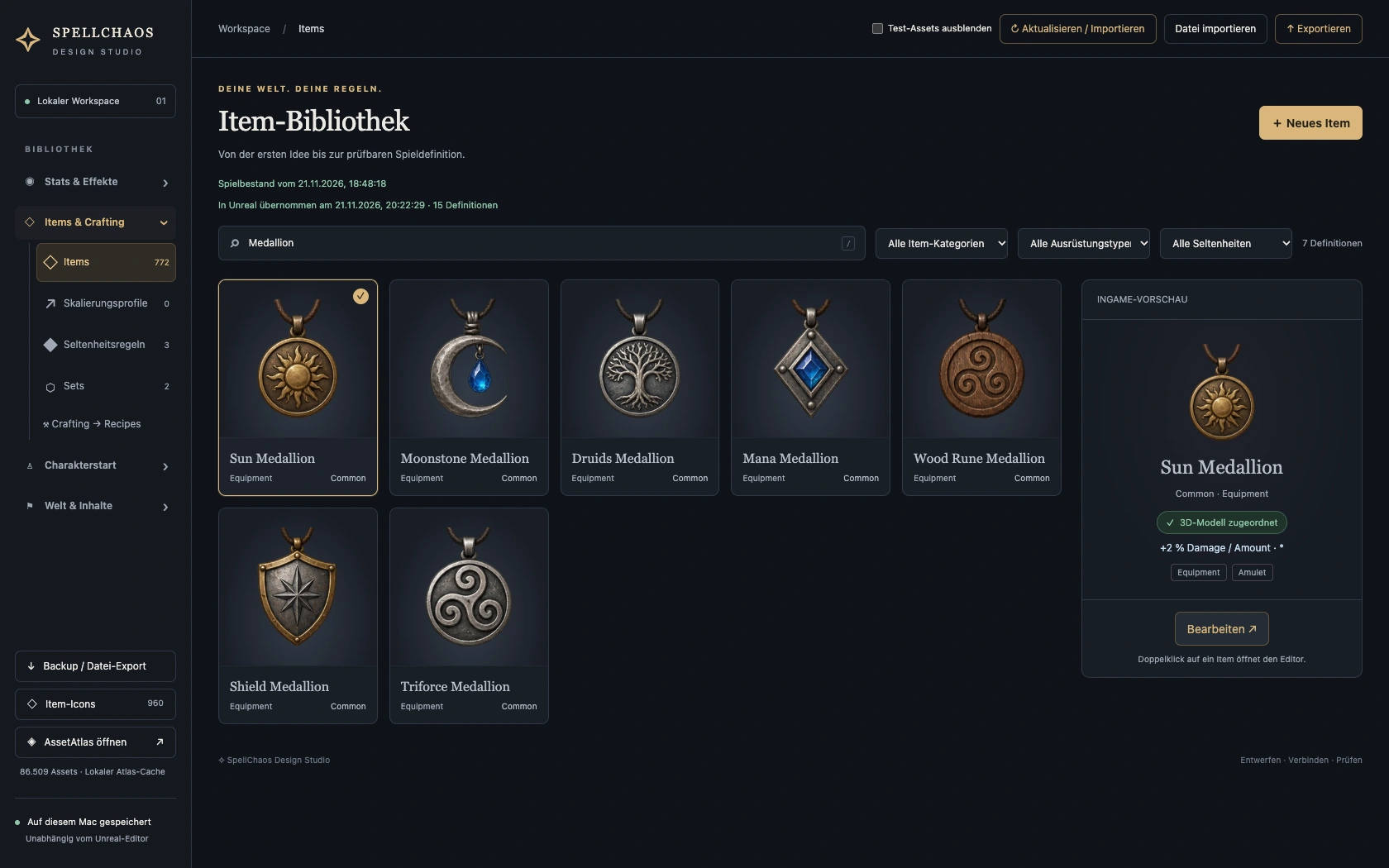
The Sun Medallion with its inventory icon, gameplay stat, and assigned 3D model.
Dungeon Placement on the Minimap
In the same studio, we place enemies, chests, and other objects on a dungeon floor’s minimap. We draw patrol routes with multiple stops. The map gives us horizontal coordinates, and we check each object’s height in Unreal.
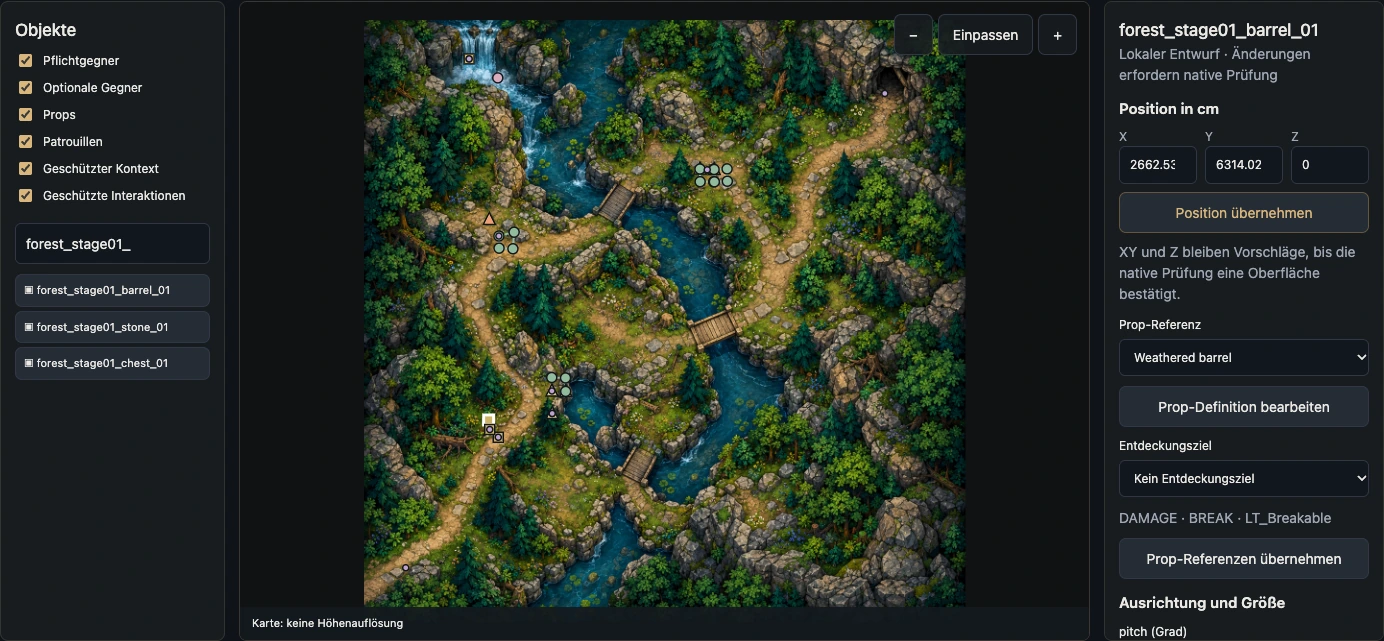
The bright square marks the selected barrel on the minimap. Its position is shown on the right.
AssetAtlas
We browse models, textures, and animations in AssetAtlas. We import the models we want into the game project and assign them to specific items in Design Studio.
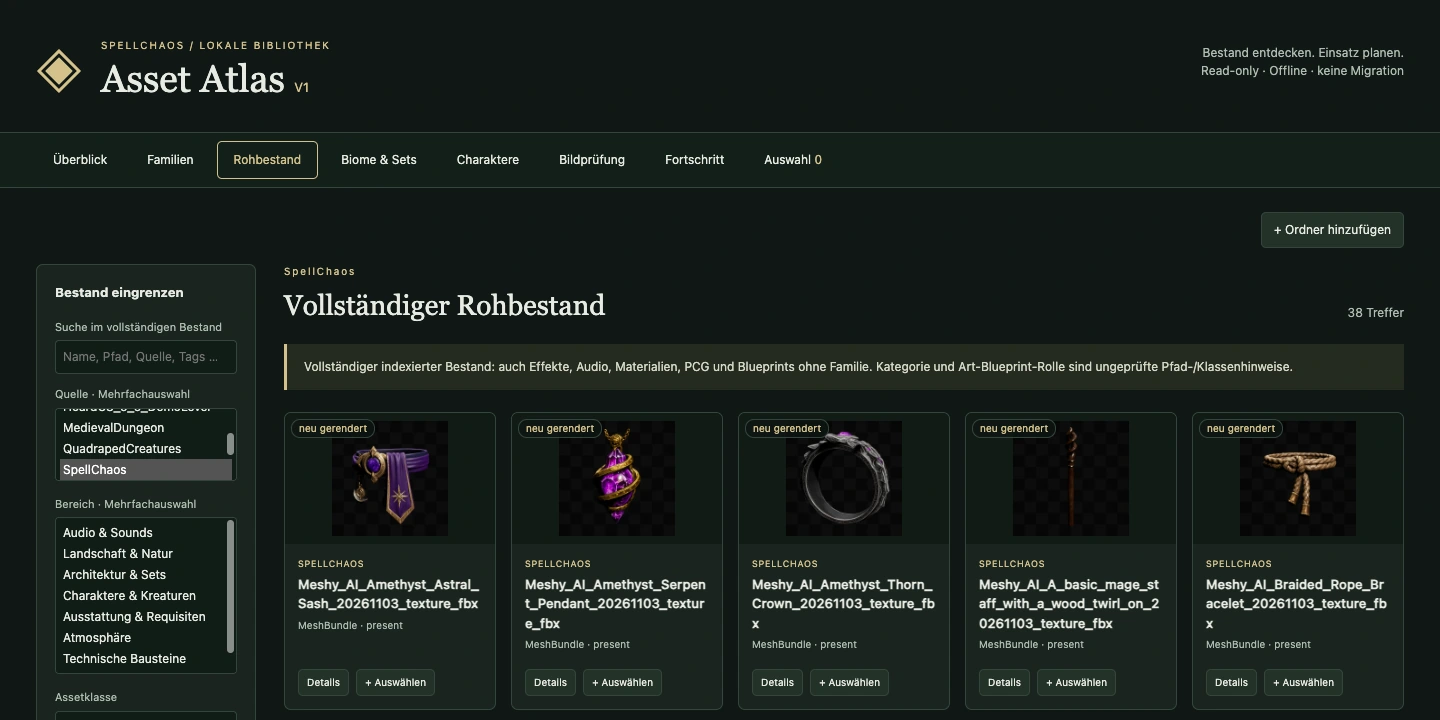
Previews for amulets, a ring, a staff, and other gear.